HR teams have more people data at their fingertips than ever, but turning that data into insights is still a major challenge. Without the right tools, professionals are stuck jumping between spreadsheets, second-guessing formulas, and hoping the numbers add up. It’s inefficient, error-prone, and slows down decision-making.
That’s why more HR leaders are investing in HR reporting software. In fact, 85 percent of organizations now use HR tech to manage people operations—highlighting how manual processes quickly become unsustainable as teams scale.
The right platform brings everything together in one place, helping HR track and analyze key metrics with confidence. Instead of relying on gut instinct, professionals can back decisions with real-time, accurate data.
As Lisa Nagele-Piazza, Senior Legal Editor at Society for Human Resource Management, says, “Data analytics allows HR professionals to move from intuition to evidence-based decision-making.” With clear, reliable reporting, HR teams can strengthen culture, guide strategy, and drive performance across the business.
This guide breaks down today’s leading HR reporting tools so you can find the best fit for your team and unlock the full power of your people data.
Best HR reporting software at a glance
With so many HR reporting tools available, we’ve focused on platforms that help teams:
- Centralize and visualize people data in real time
- Automate reporting to reduce manual work
- Maintain accuracy and compliance across systems
- Support collaboration through customizable dashboards and sharing options
- Deliver insights that connect people metrics with business outcomes
To build this list, we evaluated each company’s official product documentation and verified user feedback from trusted, third-party review websites, including G2 and Gartner. We paid particular attention to what takes configuration versus what comes pre-built, because that is where HR teams lose the most time.
Here’s a quick glance at the best HR reporting platforms and what they’re best suited for:
| Software | Best for | Customer size | G2 rating |
|---|---|---|---|
| HiBob | Giving HR leaders a single source of truth for all people data and analytics | Mid-size to large (50-500+) | 4.5/5 |
| ADP Workforce Now | Viewing benchmarks on payroll and workforce data | Large (500+) | 4.2/5 |
| BambooHR | Visualizing workforce metrics and running compliance-ready reports | Small to mid-size (1-500) | 4.4/5 |
| Employment Hero | Managing HR, payroll, and compliance reporting | Small to mid-size (1–500) | 4.4/5 |
| GoCo | Creating quick, custom HR reports | Small to mid-size (1-500) | 4.6/5 |
| Paychex Flex | Running payroll and benefits reports | Mid-size to large (50–500+) | 4.1/5 |
| Paylocity | Tracking workforce trends and forecasting labor costs | Mid-size to large (200–500+) | 4.4/5 |
| Rippling | Connecting HR, IT, and finance data | Small to enterprise (1-1000+) | 4.8/5 |
| Sage HR | Simplifying day-to-day HR reporting | Small to mid-size (1–250) | 4.3/5 |
| Dayforce | A single view of workforce performance and labor trends across global operations | Mid-size to enterprise (500+) | 4.2/5 |
| Factorial | Turning finance, time, payroll and performance data into visual dashboards | Small to mid-size (1–250) | 4.4/5 |
| Gusto | Small business payroll, benefits, compliance and tax reporting | Small (1–100) | 4.6/5 |
| Remote | Monitoring headcount, benefits and costs across multiple countries | Companies employing across borders | 4.6/5 |
| Workday HCM | Advanced analytics and customizable dashboards at enterprise scale | Large (1,000+) | 4.1/5 |
We scored every platform on the same set of capabilities and published the full scoring, with ratings and review counts, in the spreadsheet linked here.
Why is HR reporting software important?
Good HR decisions come from more than gut feelings or personal feedback from a few people. HR reporting software shows what’s really happening across your organization by turning everyday data into measurable insights. For example, HR reporting can show you:
- Turnover trends that identify which teams or roles are seeing higher exits
- Hiring metrics on how long it takes to fill open positions and where bottlenecks appear
- Survey scores patterns to see which departments show lower engagement
- Compensation insights to compare pay gaps or benefits across teams or levels
- Absence and paid time off (PTO) data to uncover who’s overworked, underutilized, or at risk of burnout
This visibility brings business operations and people operations together. Leaders can connect what teams experience with how the business performs—and make smarter, data-led decisions.
What to look for in HR reporting software
Not all platforms deliver the same level of insight. Look for tools that translate daily data into clear, actionable information that supports your team’s goals. Prioritize features like:
- Analytics and insights: Answer key questions quickly and visually
- Compliance tracking: Flag potential risks and support legal alignment
- Engagement metrics: Combine survey results and turnover patterns into a clear picture of team wellbeing
- Customizable reports: Focus on the KPIs and filters that matter to your team
- Integration capabilities: Centralize data from payroll, recruitment, performance, and engagement systems
Top HR reporting software tools and systems
The platforms below are designed to turn your people data into actionable insights, helping you lead with clarity and impact.
HiBob

G2 rating: 4.5/5 from over 2,600 user reviews
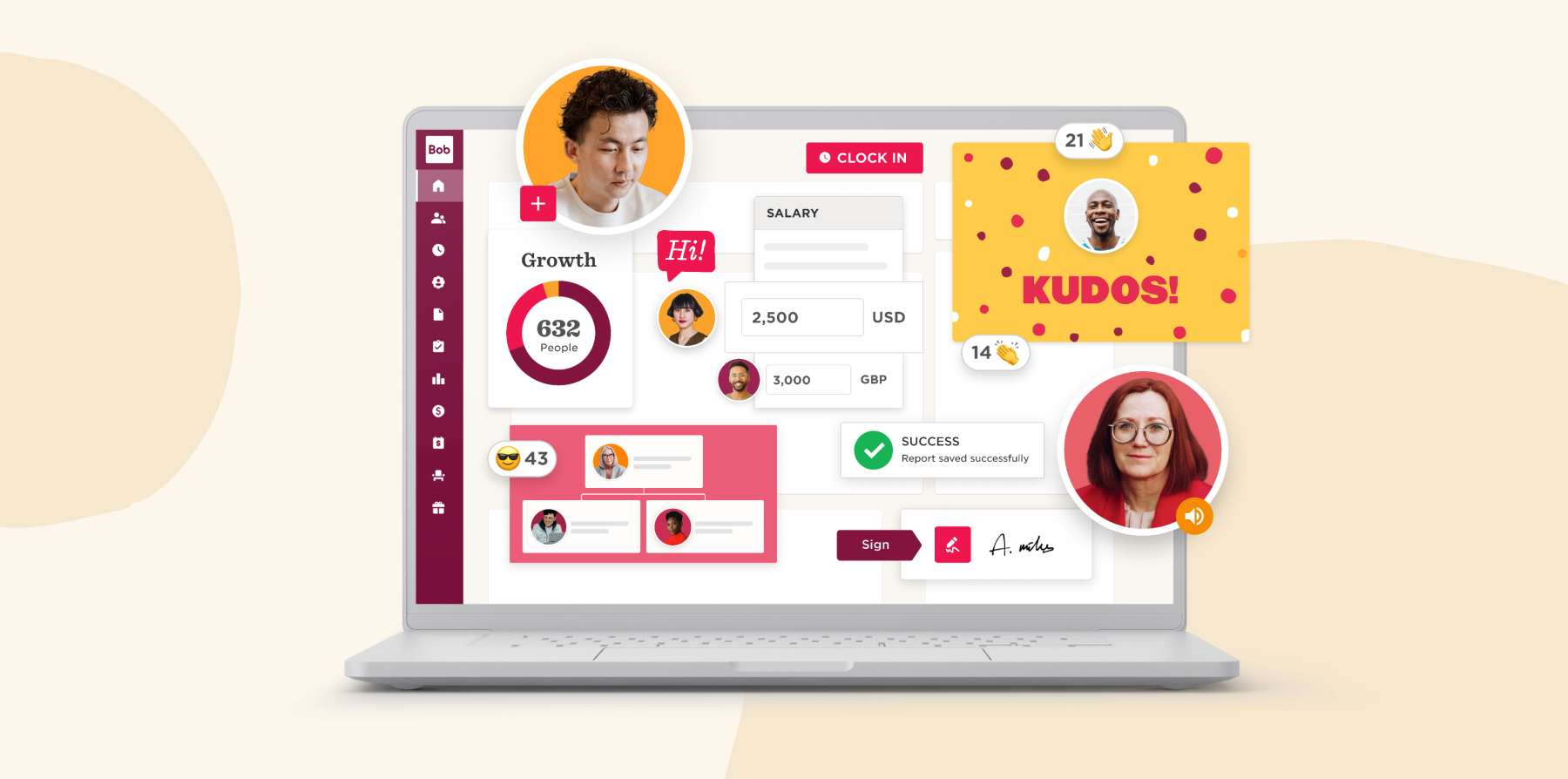
HR leaders at mid-sized and multinational companies use HiBob to report on trusted workforce data rather than reconciled spreadsheets. The platform centralizes people data so HR and Finance can track KPIs like headcount, attrition, engagement, and compensation from one source, without switching between systems or rebuilding the same report every quarter.
Built-in analytics and Bob AI help surface trends and anomalies faster, supporting more informed workforce and cost decisions. Instead of building a report to answer a question, you can ask the question of your own people data in plain language, governed by the same permissions as the rest of the system. With automated reporting, customizable dashboards, and pre-built templates, HR teams share consistent insights with managers, Finance partners, and leadership. You get that depth without the reporting consultant a legacy HCM usually requires, because the dashboards HR teams need most come pre-built. HiBob is a G2 Leader in HR Analytics.
Features:
- Unified reporting: Access all people data across HR, payroll, and performance in one dashboard for a complete view of your workforce
- Finance: Connect people plans to budgets with real-time reporting on headcount and workforce costs, so HR and Finance work from the same up-to-date data and track change with confidence
- Payroll reporting: Centralize, sync, and automate payroll data with flexible integrations, real-time updates, and insightful reporting
- Automated reports: Schedule recurring reports and eliminate manual data entry with pre-set templates and automatic calculations
- Custom dashboards: Build tailored reports for executives, managers, and HR teams using drag-and-drop visuals
- Compliance tracking: Maintain accurate, audit-ready records to support labor laws, pay equity tracking, and internal reviews
Pros:
- “It keeps things organized, isn’t overly complex, and allows me to both keep track of my own reviews, my direct report reviews and reviews I need to give.” – user review
- “Reporting is excellent and it is so easy to create a report.” – user review
Cons:
- “We have to be intentional about which report we use.” – user review
- “For the scheduling reports feature, if we can have the report output be in txt format (current options are CSV or XLSV), that would be great” – user review
See how Bob helps teams with HR reporting
ADP Workforce Now

G2 rating: 4.2/5 from over 4,200 user reviews
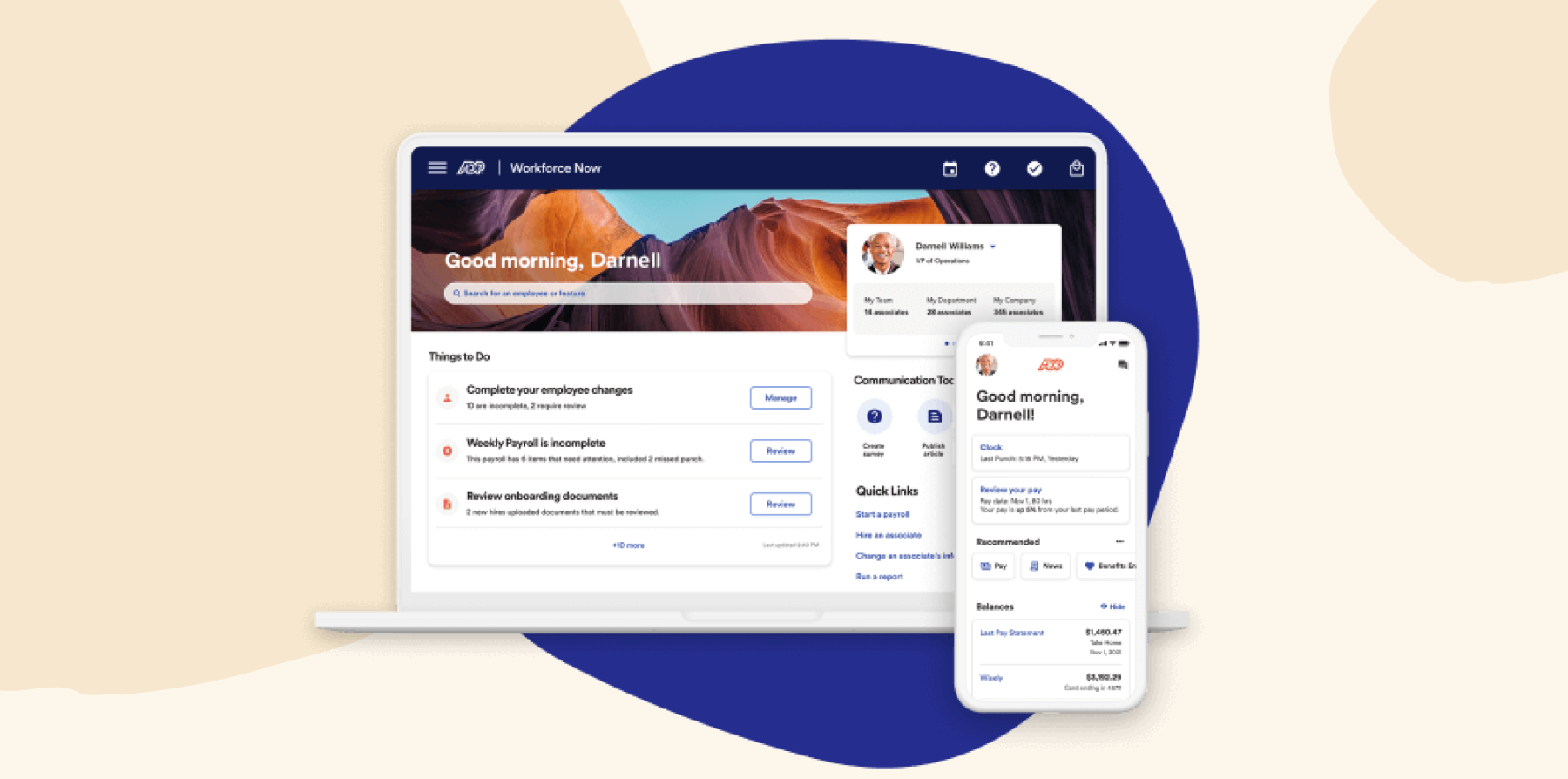
ADP offers a core human capital management (HCM) platform with DataCloud, which delivers people analytics and benchmarking for HR teams. It helps them understand workforce trends, compare to peer organizations, and generate insights on top of raw reports. The system also unifies payroll, HR, talent, benefits, and time data.
Features:
- Configurable dashboards: See workforce metrics across headcount, pay, benefits, and recruiting
- Benchmarking insights: Compare your organization’s data against aggregated peer benchmarks
- Automated trend detection: Get alerts when key indicators shift outside normal ranges
- Custom reporting tools: Build, filter, and export reports for managers or leadership
Pros:
- “The report grabber makes it easy to create custom reports.” – user review
- “Custom Reporting can create just about any report you need.” – user review
Cons:
- “The report menu is sometimes difficult to locate how to get the information you need.” – user review
- “Sometimes when I need a created report, there is so many options that I have to delete or I get too much information that is unnecessary.” – user review
BambooHR

G2 rating: 4.4/5 from over 6,000 user reviews
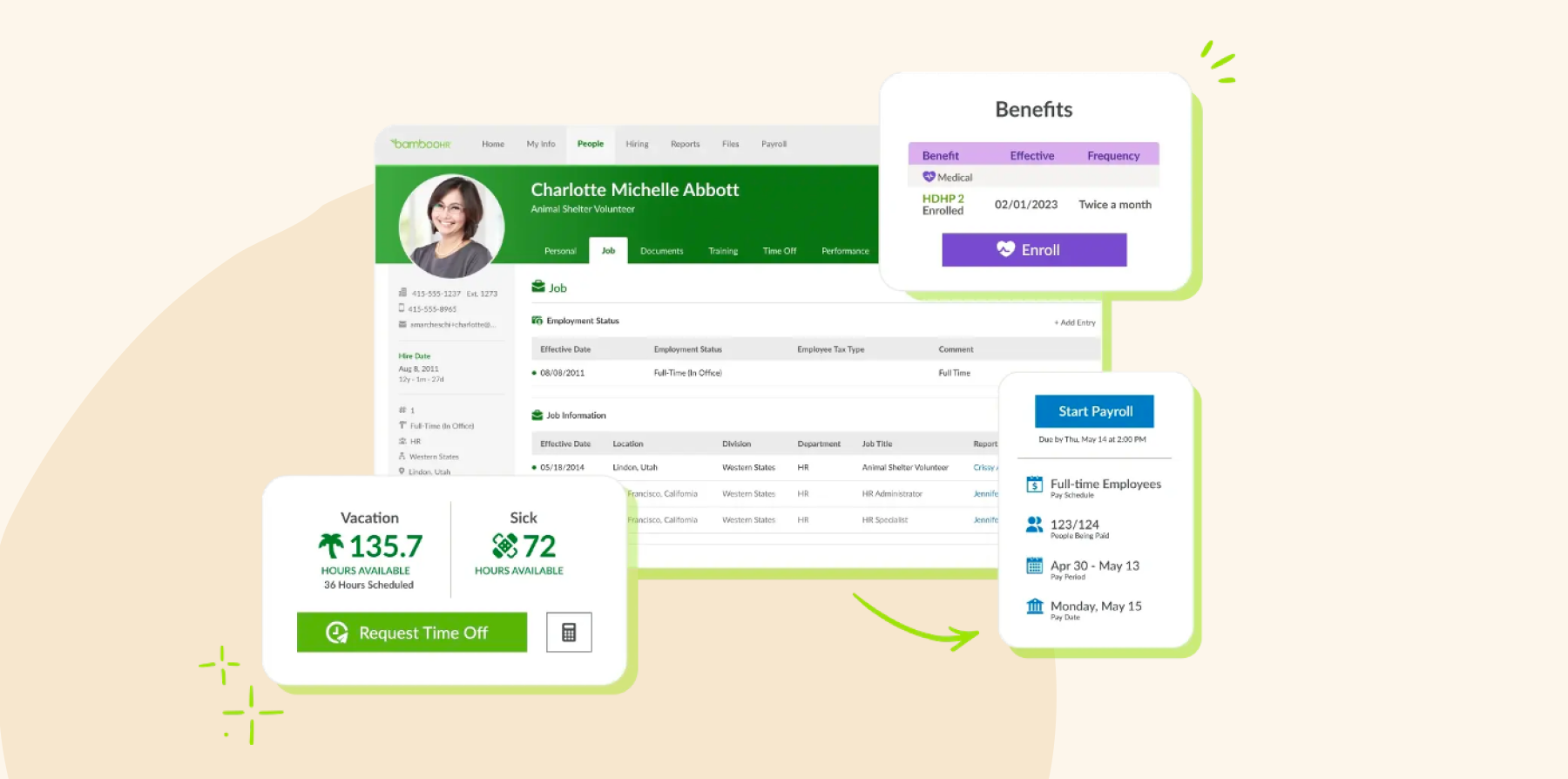
BambooHR is HR software with reporting and analytics tools. HR teams can turn the data they already collect—like team member records, performance, time off—into workforce insights. It also offers built-in report libraries, dashboards, customizable visualizations, and benchmarking features.
Features:
- Pre-built reports: Access templates for turnover, demographics, and compliance tracking
- Custom dashboards: Create visual dashboards that show the metrics most relevant to each stakeholder
- Compliance monitoring: Track training, certifications, and completion rates
- Benchmark comparisons: View anonymized benchmarks from other BambooHR users
Pros:
- “By far the easiest report creation module I have ever used.” – user review
- “You can easily find all the necessary data and customize the report if needed.” – user review
Cons:
- “Would be great if we could report specifically on things like total headcount at a certain point in time.” – user review
- “I can’t run a report with just employees I choose, you can only choose a location or job title.” – user review
<<Compare HiBob vs. BambooHR – See which fits your business best>>
Employment Hero
G2 rating: 4.4/5 from over 600 user reviews
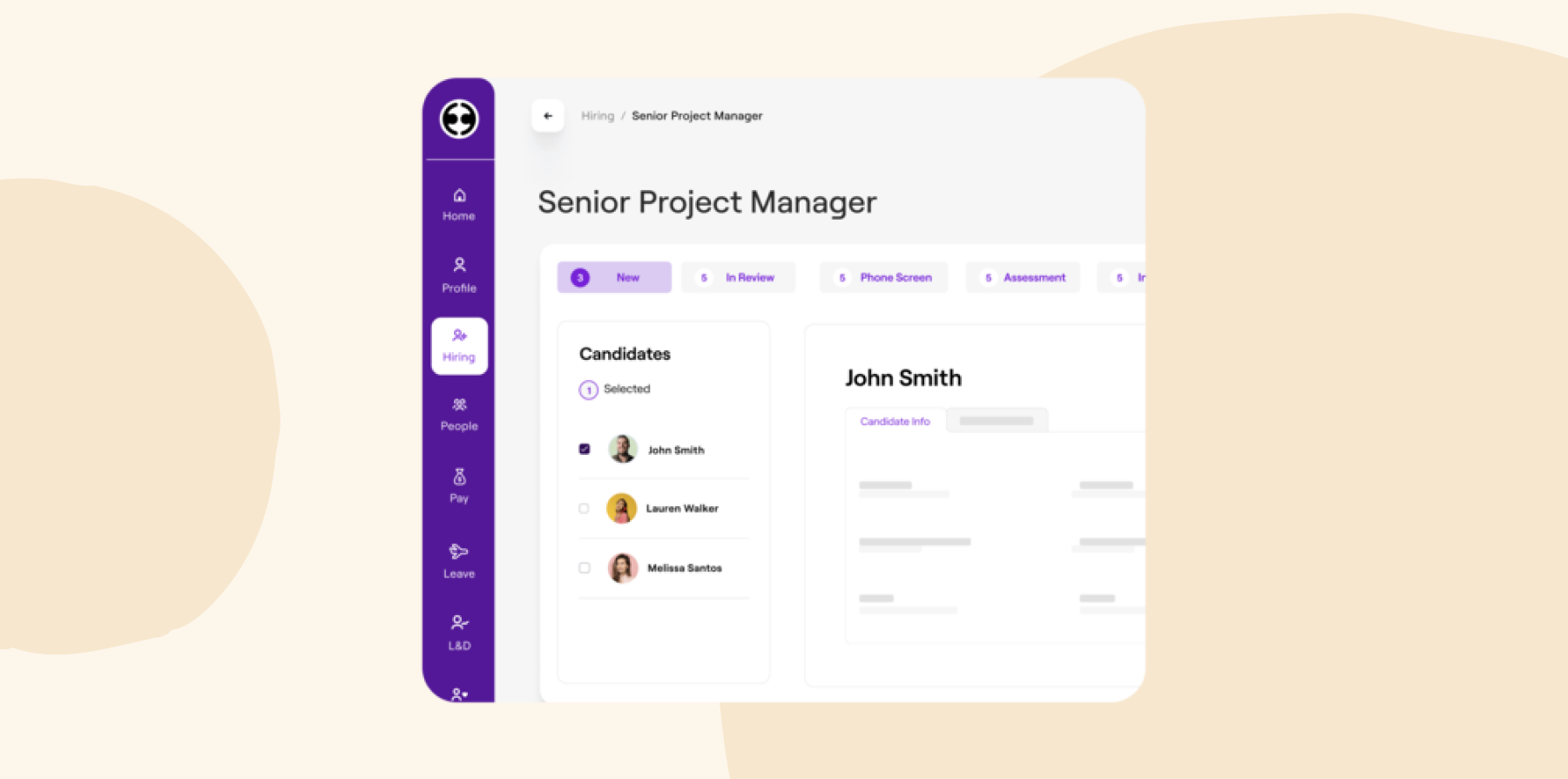
Employment Hero is an all-in-one HR, payroll, and recruitment platform that offers HR reporting. HR can review big-picture trends and drill into the details when needed. Updates in records flow straight into corresponding charts and reports.
Features:
- Unified dashboard: See company-wide people metrics in one place
- Compliance reports: Track HR documents and completions
- Engagement and workforce insights: Review top-line analytics on satisfaction and workforce activity
- Multi-region options: Access localized reporting experiences for AU, UK, CA, MY, NZ, and more
Pros:
- “You can build any report you want and save them in categories.” – user review
- “We can extract various specific reports that can help to review our payroll information and pay run correctly.” – user review
Cons:
- “While customizable reports are available, it is not as in depth as some previous payroll report systems I have used.” – user review
- “Reporting could use a bit of a touch up. Perhaps if you could create your own filters etc. to snapshot the exact information you need in one report.” – user review
GoCo

G2 rating: 4.6/5 from over 400 user reviews
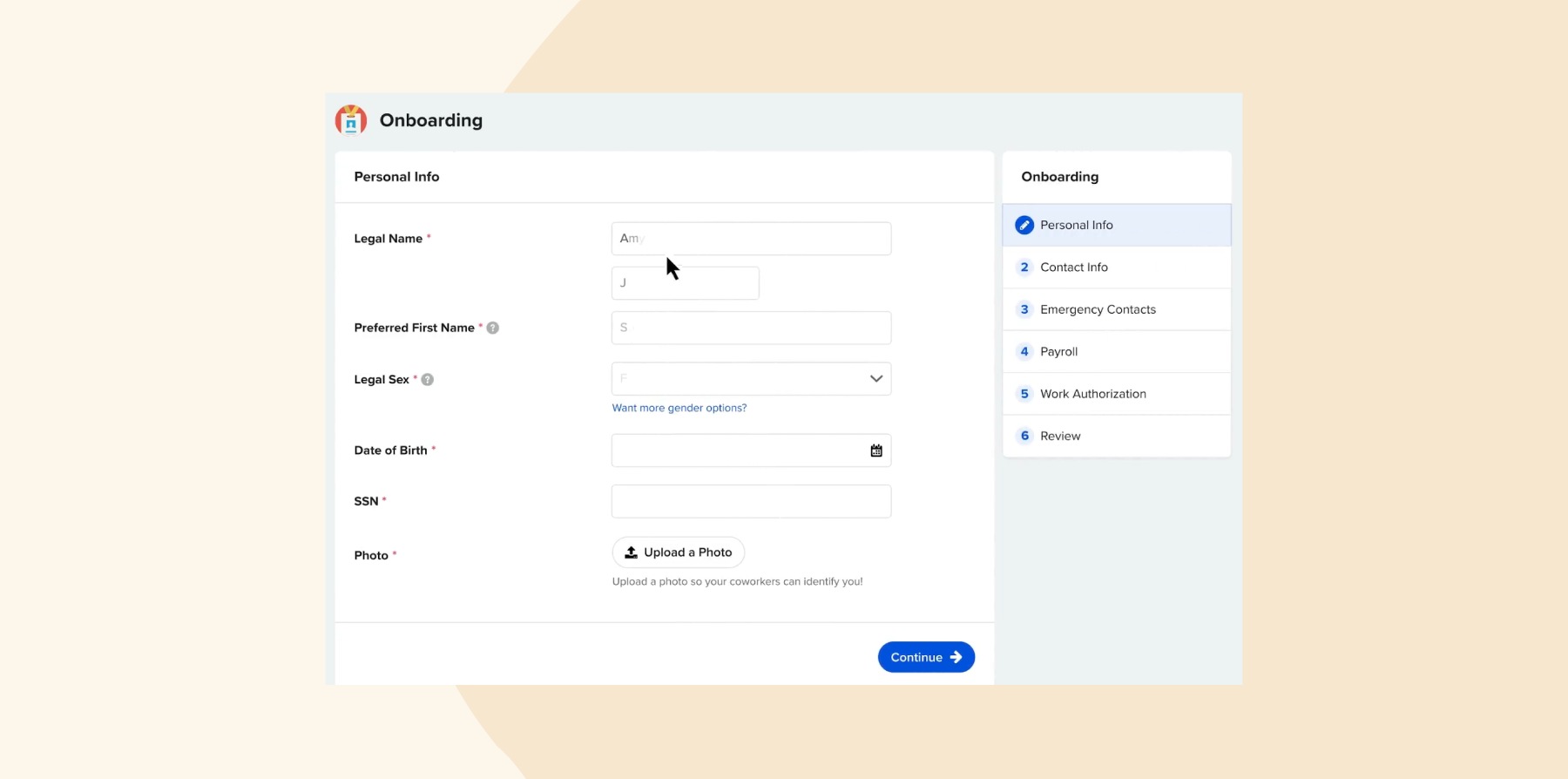
GoCo is an HRIS that offers reporting functions for small and mid-size teams. Users can build custom reports from core HR records—-like team member data, workflows, performance reviews, and surveys. Then, visualize the results and share with other leaders.
Features:
- Custom report builder: Create reports with filters, groupings, and fields
- Visual dashboards: Turn report outputs into charts to highlight trends for managers.
- Real-time HR metrics: Access live data on people records, workflows, reviews, and survey results
- Data exports: Download reports for deeper analysis or to share outside the system.
Pros:
- “It’s a system that gets used everyday.” – user review
- “It has revolutionized our ability to collect and store hiring documents.” – user review
Cons:
- “I can run a salary report for all team members but can’t run a salary report for just the Sales Department.” – user review
- “Reporting system could be a bit better.” – user review
See how Bob helps teams with HR reporting
Paychex Flex

G2 rating: 4.1/5 from over 1,700 user reviews
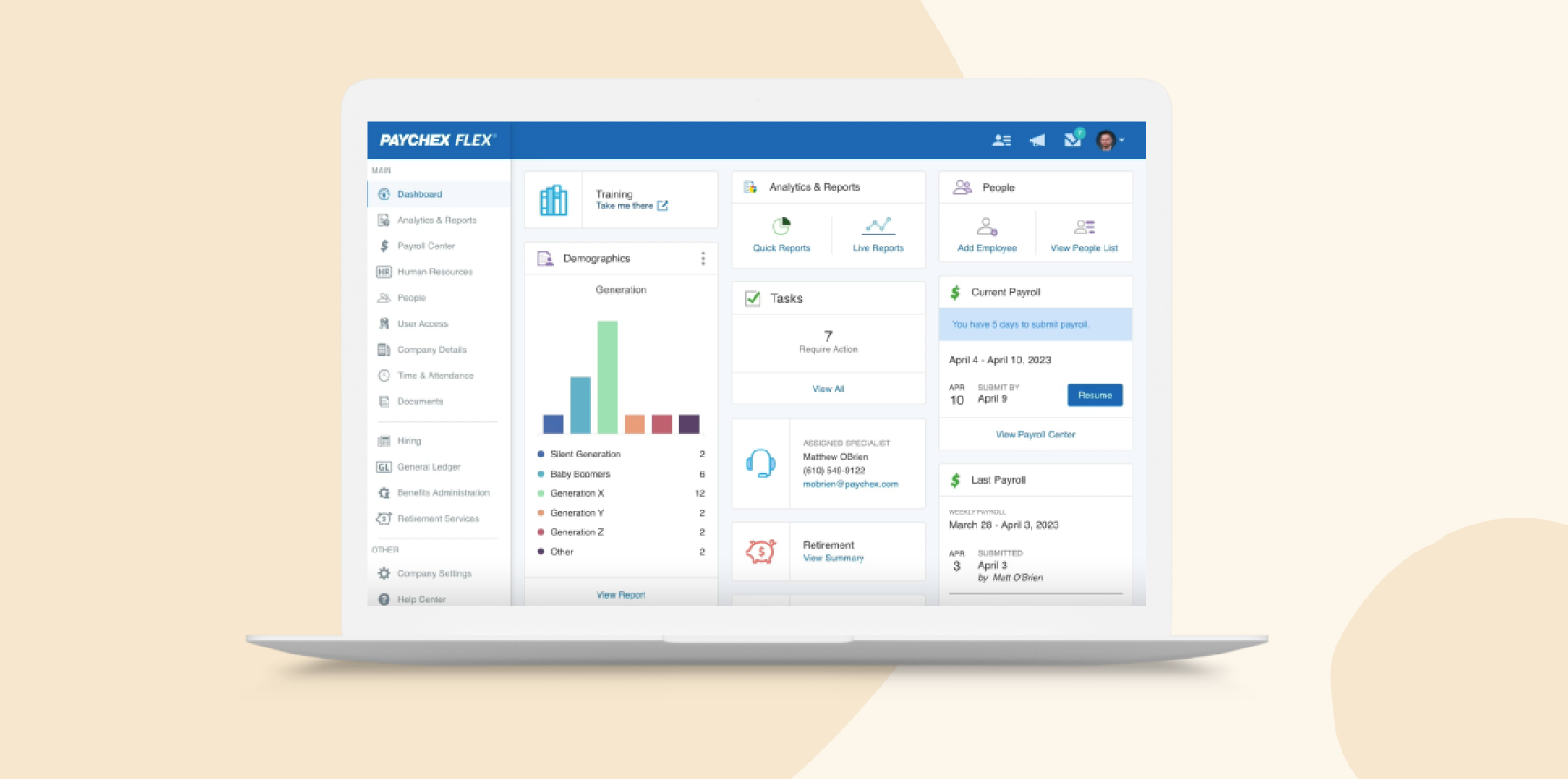
Paychex offers an analytics suite within its Paychex Flex platform for HR. It allows teams to explore people trends over time, customize dashboards, and use built-in tools to get to specific metrics. Teams can access a large report library with common HR and payroll needs to answer routine questions.
Features:
- Report library: Access over 160 prebuilt reports across payroll, HR, benefits, and accounting
- Custom dashboards: Create and adjust visual dashboards to monitor KPIs
- Trend exploration: Filter reports by date ranges and attributes
- AI-assisted queries: Ask the built-in tool for specific metrics to surface answers
Pros:
- “Easy to find payroll reports.” – user review
- “The report options are many and very well done.” – user review
Cons:
- “Reports are organized the way Paychex wants them, not the way that is best for user. Reports are not set up very well.” – user review
- “It takes some time to understand what report will give me what I’m looking for or having to create a few reports to get the information that my company is looking for.” – user review
Paylocity

G2 rating: 4.4/5 from over 6,200 user reviews
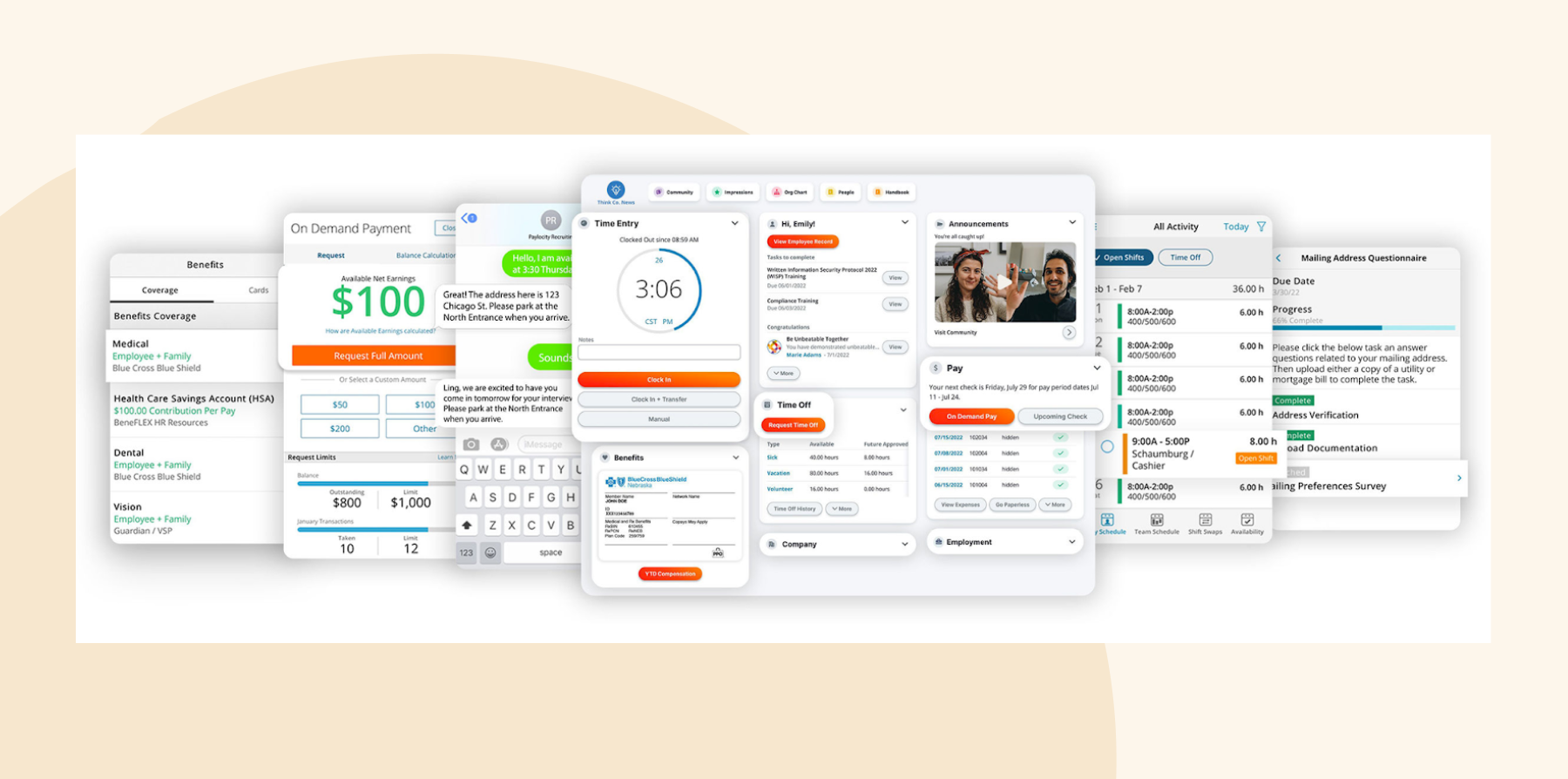
Paylocity is an all-in-one HCM platform with built-in reporting and analytics tools so HR teams can track and present workforce data. Reports pull information from payroll, benefits, time tracking, and performance to show leaders how people and operations connect. The predictive analytics can also help teams forecast turnover and labor costs.
Features:
- Interactive dashboards: See live metrics on payroll, headcount, and benefits in configurable visual dashboards
- Custom report builder: Create ad-hoc or recurring reports filtered by department, date, or job type
- Predictive analytics: Spot potential issues using AI-driven forecasts
- Export options: Share summaries or detailed datasets with stakeholders in multiple formats
Pros:
- “There are a robust amount of reports that can be utilized.” – user review
- “I appreciate their data insights to quickly see trends in headcount, spending, turnover and more.” – user review
Cons:
- “One thing that I’ve encountered several times that is very much needed is the ability to share reports with other users.” – user review
- “Creating customized reports is not straightforward and often proves difficult to yield data you are seeking.” – user review
Rippling

G2 rating: 4.8/5 from over 13,400 user reviews
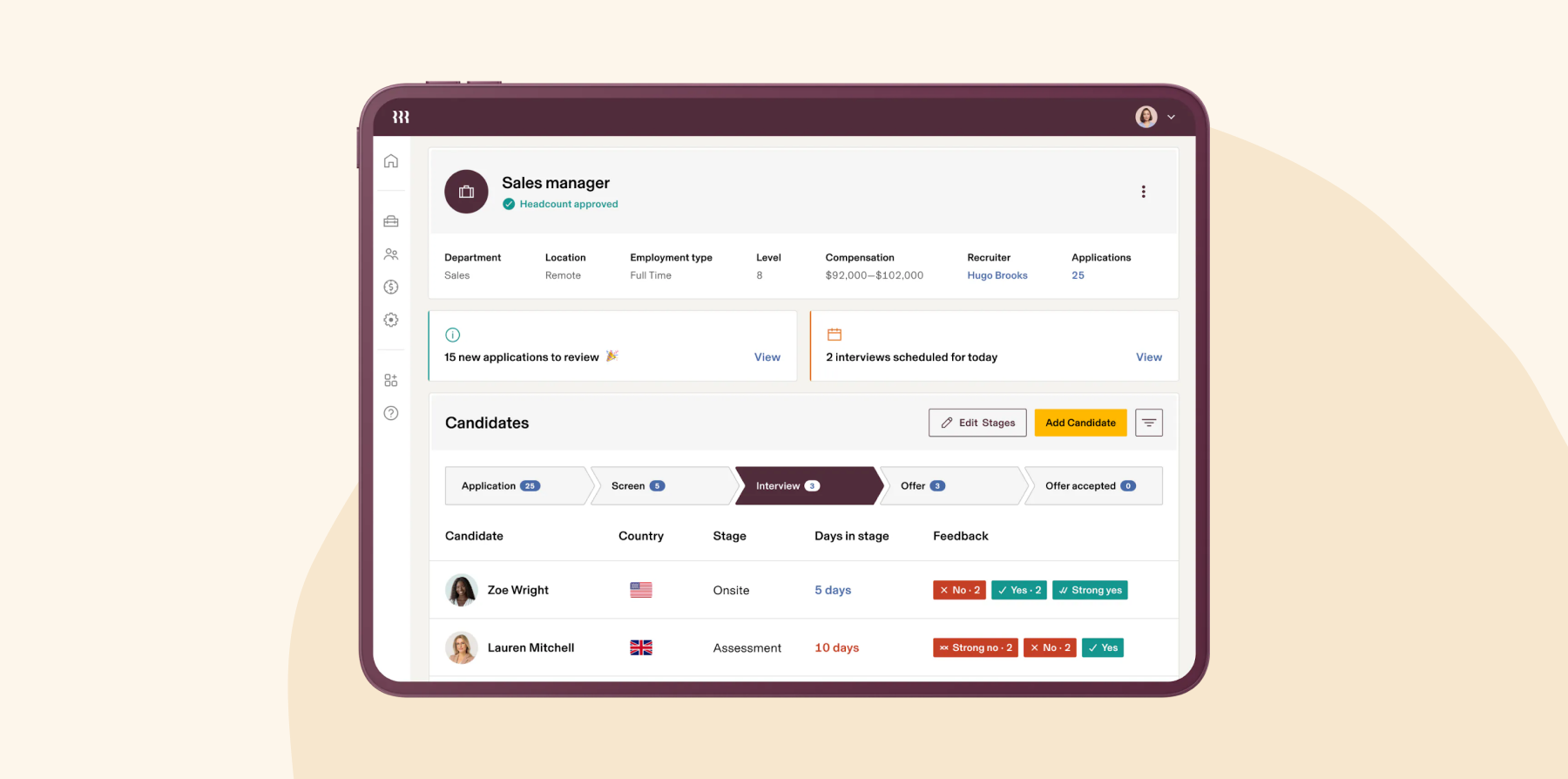
Rippling is a unified HR, IT, and finance platform that consolidates people data for automated reporting. Its analytics tools pull from people records, payroll, expenses, and time tracking to give teams one accurate source for real-time insights. Dashboards update automatically as data changes across departments.
Features:
- Unified analytics: Access all team members, payroll, and device data in a single reporting environment
- Custom report builder: Drag and drop fields to build live reports on your metrics
- Automated updates: Keep dashboards current as team member or payroll data changes
- Role-based access: Control who can view or edit data within reporting modules
Pros:
- “The reports and dashboards also give us great insights into our data.” – user review
- “I love how I can efficiently manage expense reports.” – user review
Cons:
- “I would prefer that custom reports not be limited.” – user review
- “Sometimes, it feels a bit limited when you want to customize reports beyond the standard templates.” – user review
<<Compare HiBob vs. Rippling – See which fits your business best>>
Sage HR

G2 rating: 4.3/5 from over 90 user reviews
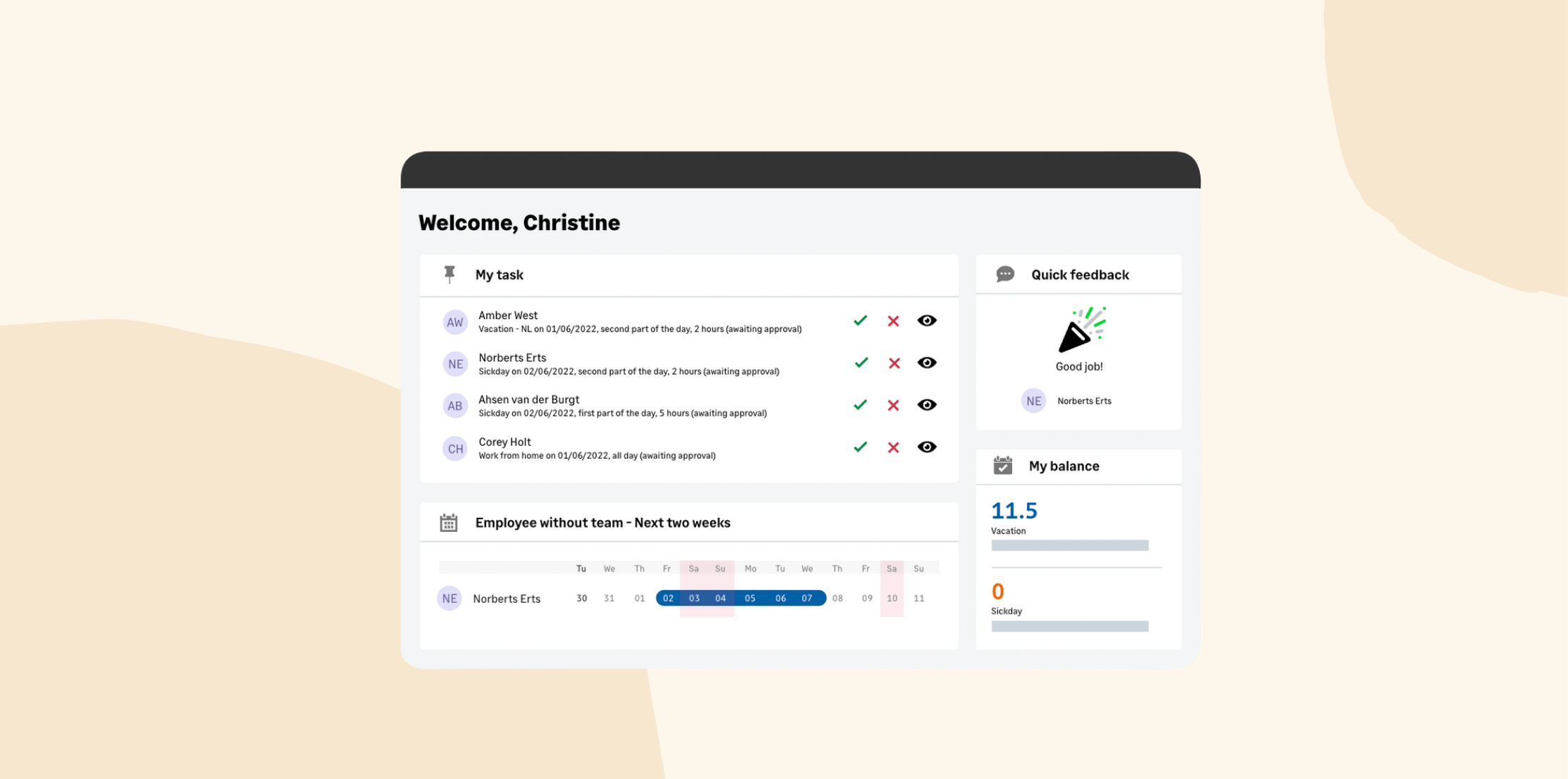
Sage HR is an employee management platform with built-in reporting tools for tracking attendance, performance, and headcount. The software can turn everyday HR data into clear visuals and summaries for management or compliance reviews. Users can review trends instantly and make business decisions on real information.
Features:
- Centralized reporting: See HR metrics across leave, performance, and headcount in one dashboard
- Custom reports: Build reports filtered by date, department, or role to answer specific questions
- Visual charts: View key metrics through graphs and summaries for quick understanding
- Export options: Download reports as PDFs or spreadsheets for sharing or archiving
Pros:
- “Running reports is easy and helps gather data quickly.” – user review
- “We also value the reporting, which is simple and easily customised.” – user review
Cons:
- “I would say that custom options for reports could be improved to better suit individual business needs.” – user review
- “Some of the reporting could be more moldable and customizable but still good” – user review
Recommended For Further Reading
Choose the best HR reporting software for your organization
Strong reporting gives HR leaders a clear view of their people, their progress, and the overall health of the business. The right platform goes beyond spreadsheets—it connects your HR data, automates analysis, and helps you see patterns that guide better decisions across the whole company.
For those looking for a single, connected solution, consider HiBob. HiBob’s reporting tools bring all your HR data into one place, giving leaders a clear, accurate view of what’s happening across all teams. HiBob also makes it easy to dig deeper into your data. HR teams can create custom dashboards, schedule recurring reports, and visualize trends that shape strategic planning.
Join HR leaders all across the world who use HiBob to uncover insights to make confident, data-backed decisions.
See how Bob helps teams with HR reporting
HR reporting software FAQs
Instead of relying on informal feedback or scattered spreadsheets, HR teams can view real-time metrics like attendance, hiring trends, and engagement scores all in one place. This helps identify which HR initiatives are working, where challenges are emerging, and how people-related changes impact overall performance. Platforms that put AI inside the reporting itself go further. Instead of building a report to answer a question, you ask the question in plain language and get an answer governed by the same permissions as the rest of your people data. That’s the difference between a reporting tool and organizational intelligence.
Any business that manages people can benefit from better visibility into its workforce. For small teams, HR reporting can highlight key trends like rising turnover or training gaps, before they grow into bigger problems.
For larger organizations, it keeps departments aligned by providing a consistent view of performance and costs. No matter the size, clear reporting helps HR stay proactive instead of reactive.
Most HR reporting platforms follow strict data protection standards, using encryption, access controls, and compliance frameworks like General Data Protection Regulation (GDPR) and SOC 2 to keep team member data safe.
Typically, only authorized users can access sensitive information, and activity logs track who views or edits reports. Reliable vendors also perform regular security audits and updates to protect against breaches. When evaluating platforms, always review their security certifications and ask how they manage data privacy.
Disclaimer:
This content reflects HiBob’s perspective, informed by our experience supporting HR teams as they evaluate and implement HR software. It is provided for informational purposes only and is not intended as independent research or professional advice. Prospective users should conduct their own evaluation before making a decision.
Feature descriptions, pricing references, and availability for third-party platforms are based on publicly available information at the time of publication and may change. HiBob does not guarantee the accuracy or completeness of information related to third-party products. Prospective users should verify details directly with each provider.